Nokia CS-18 Upgrade Process For Windows Computers


This update is a three step process:

STEP 1 | Upgrading the Internet Modem Software
  1. Save and close all documents running on your laptop and
    make sure your laptop has 50% or more power if running on battery.

  2. Make sure your laptop has an internet connection and
    you have Administrator rights to the computer.

  3. Connect the CS-18 USB Internet Stick and
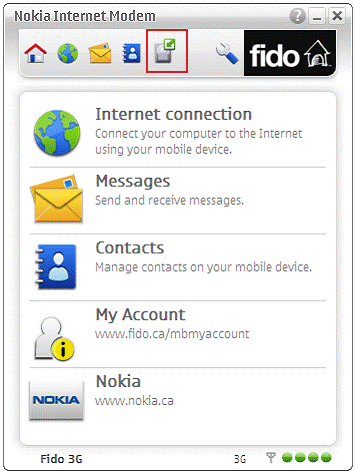
    Launch the Nokia Internet Modem Software.

  1. Click on the "Update" button.


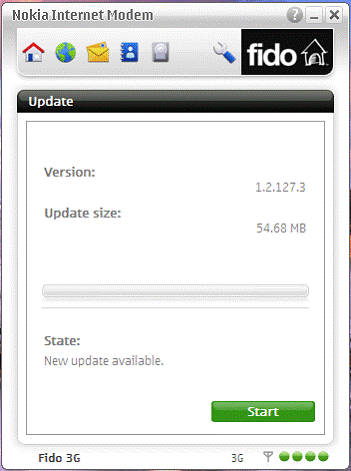
  1. Click on "Start" to start the Internet Modem Software
    download. If the software did not automatically do a
    check you may have to click on "Check" then "Start".


  1. Wait for the software to be downloaded to your computer,
    after the download is completed the Internet Modem Software
    will close and the installation will start.


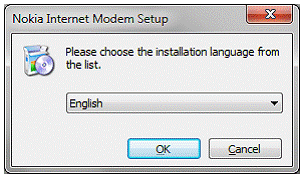
  1. Select your installation language and
    click on "Ok" to continue.


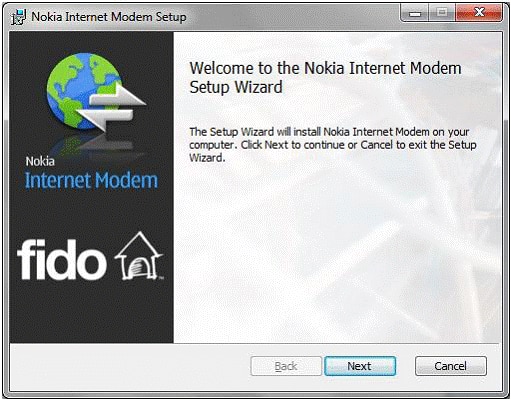
  1. Click on "Next" to continue.


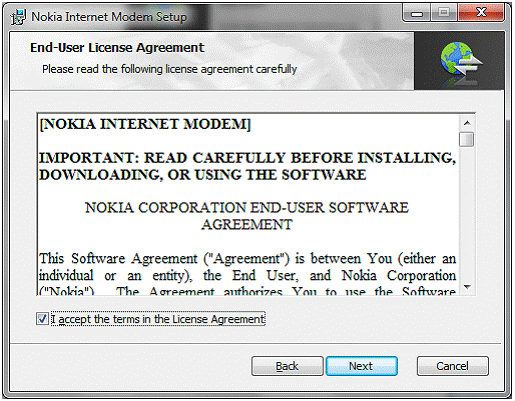
  1. Review the End-user License Agreement
    check the "I Accept" box, then select "Next" to continue.


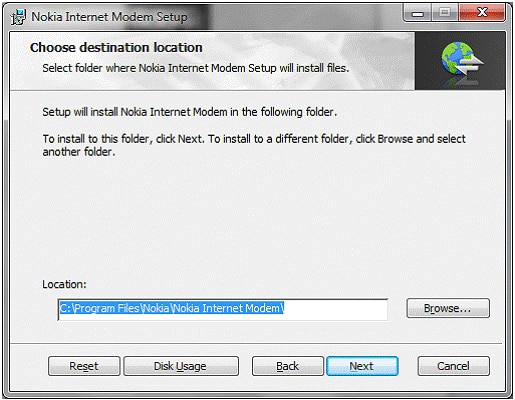
  1. Choose the destination for the installation.
    Leave the default destination folder if unsure.


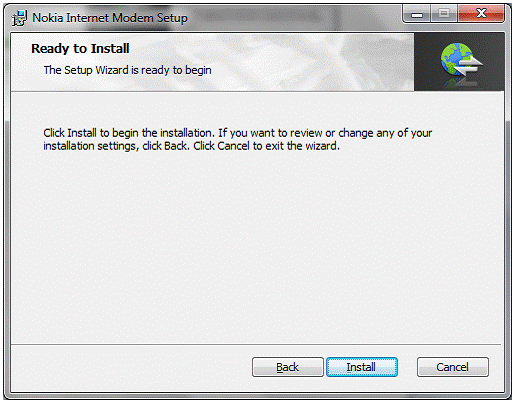
  1. Click "Install" to start the installation.


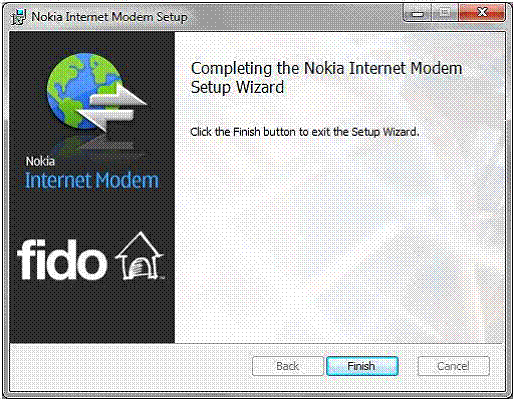
  1. Click "Finish" to complete the
    Internet Modem Software upgrade.


STEP 2 | Upgrading the USB Mobile Internet Stick
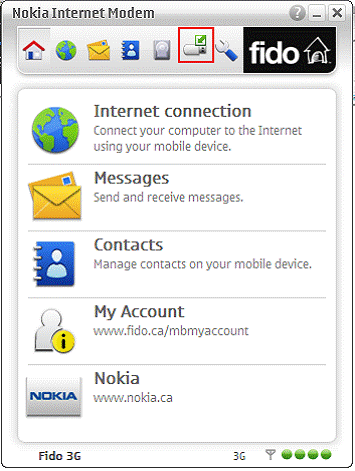
  1. Launch the Internet Modem Software if not already
    running and Click on the "Firmware update" button.


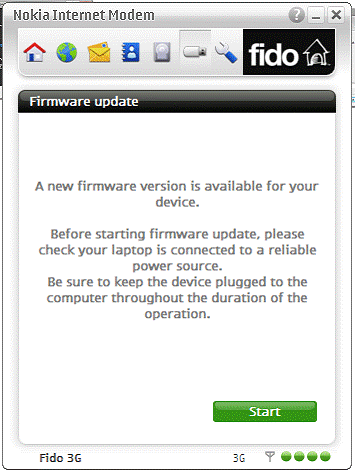
  1. Click on "Start" to being the firmware download
    and update process.
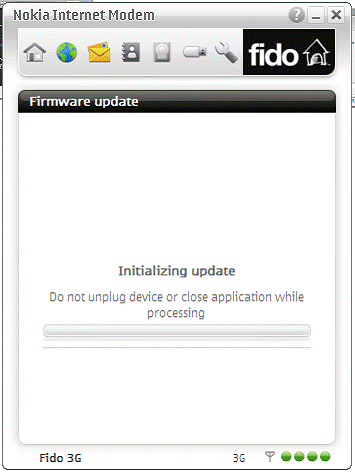
    IMPORTANT: DO NOT unplug the
    USB Mobile Internet Stick or turn off your computer during this process.


  1. Wait for the upgrade process to be completed.


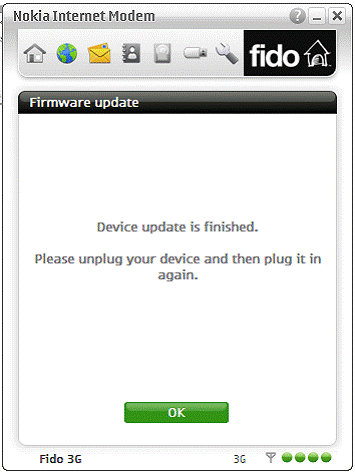
  1. Click "Ok" to complete the upgrade and then unplug your
    USB Mobile Internet Stick and plug it in again.
    This will install the new drivers.


  1. You may be prompted to reboot your computer after
    the driver install select "Restart Now". If you do not
    get prompted to restart then it is recommended that
    you manually restart your computer.
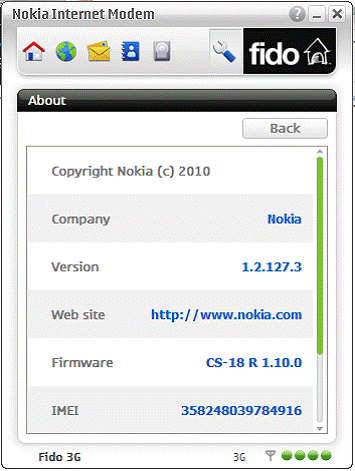
STEP 3 | Verifying the software version
  1. Launch the Nokia Internet Modem software and
    click on "Settings" then click "About" to verify
    the version numbers as per image below.